PenPower WorldPenScan Go
January 6, 2024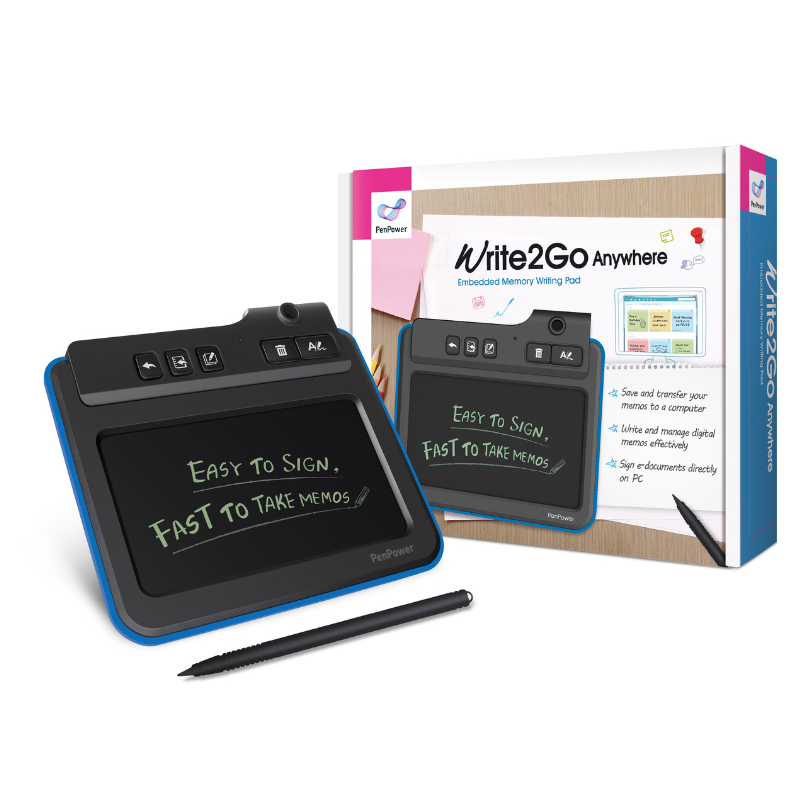
PenPower Write2Go Anywhere
January 8, 2024
PenPower WorldCard Cloud
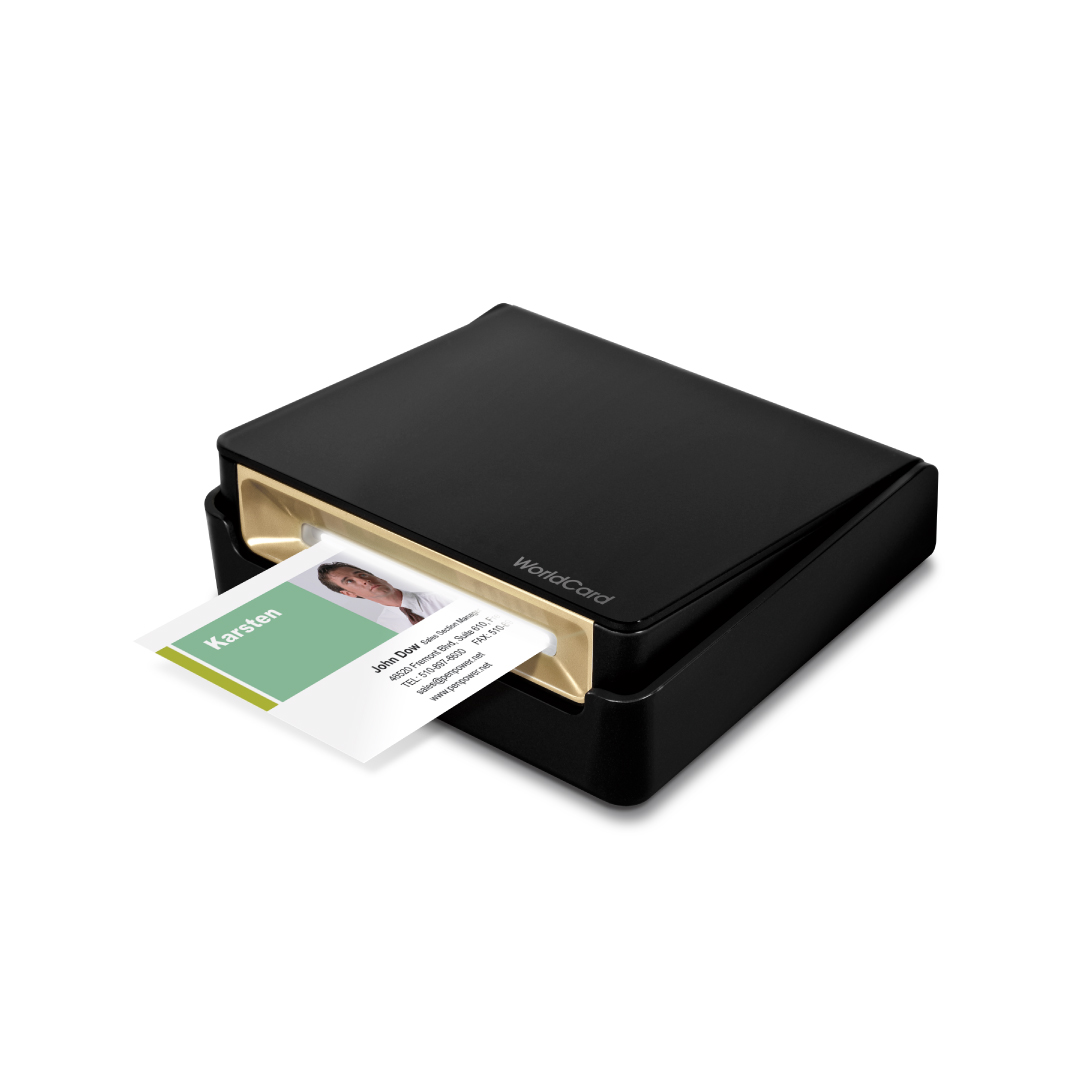
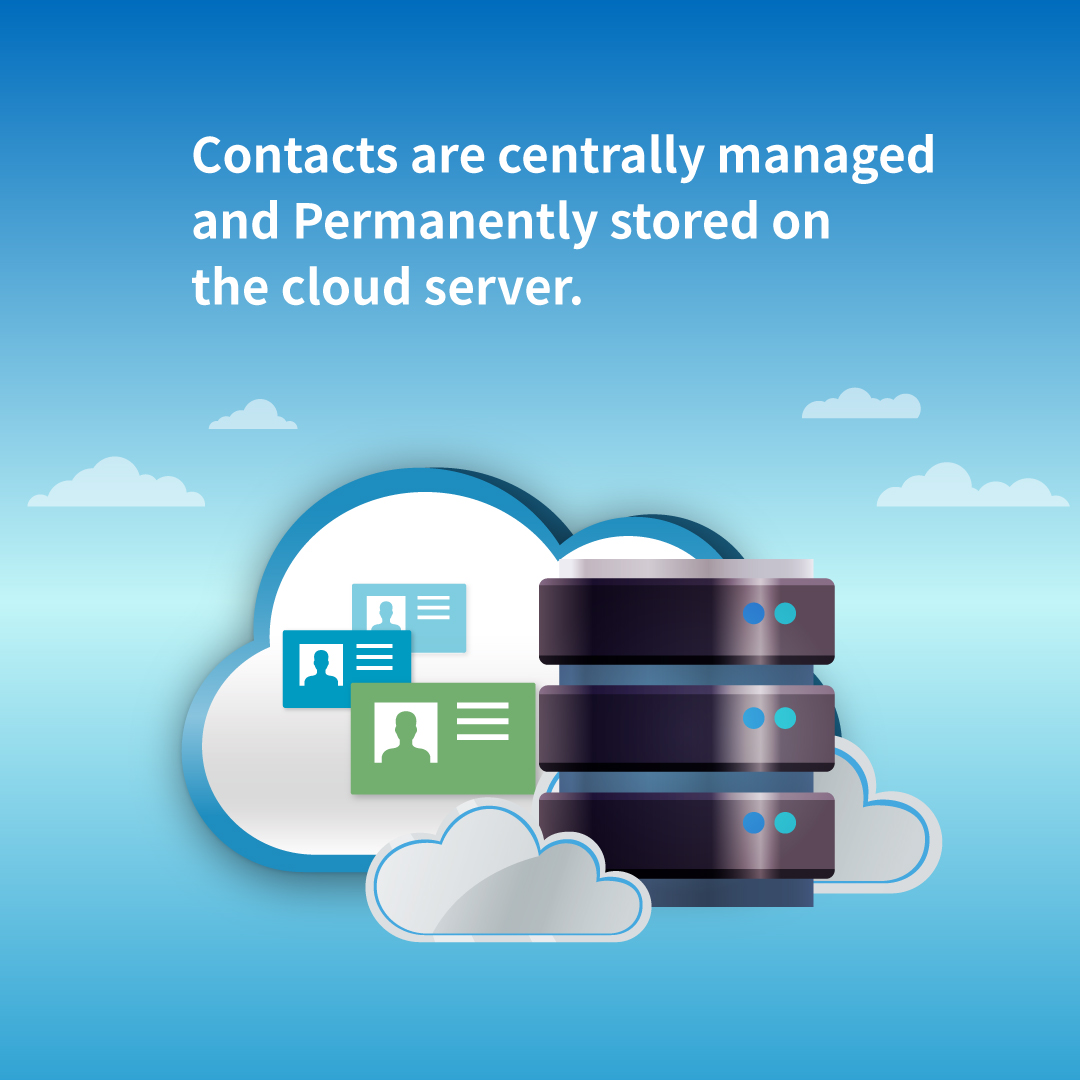
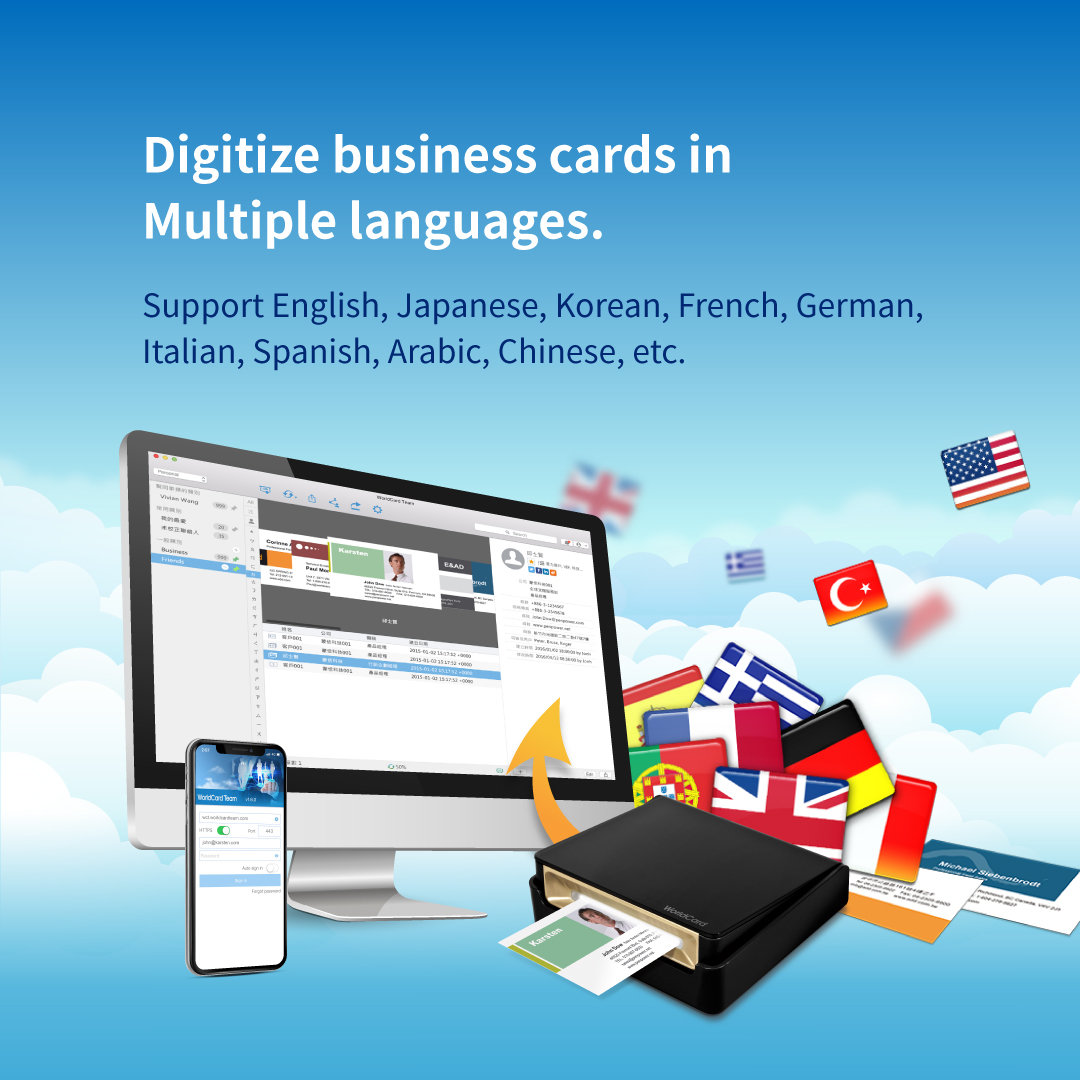
The PenPower WorldCard Cloud and WorldCard Pro, are business card scanners / business card readers that enable you to scan physical business card contacts and load them into a database on your PC, Mac, Android and iOS devices. Scan, save and manage your business card contacts on the cloud.
WorldCard Cloud provides a secure and smart contact management system for business persons striving for productivity. This package includes 1 user software activation license (1-year subscription), and a business card scanner.
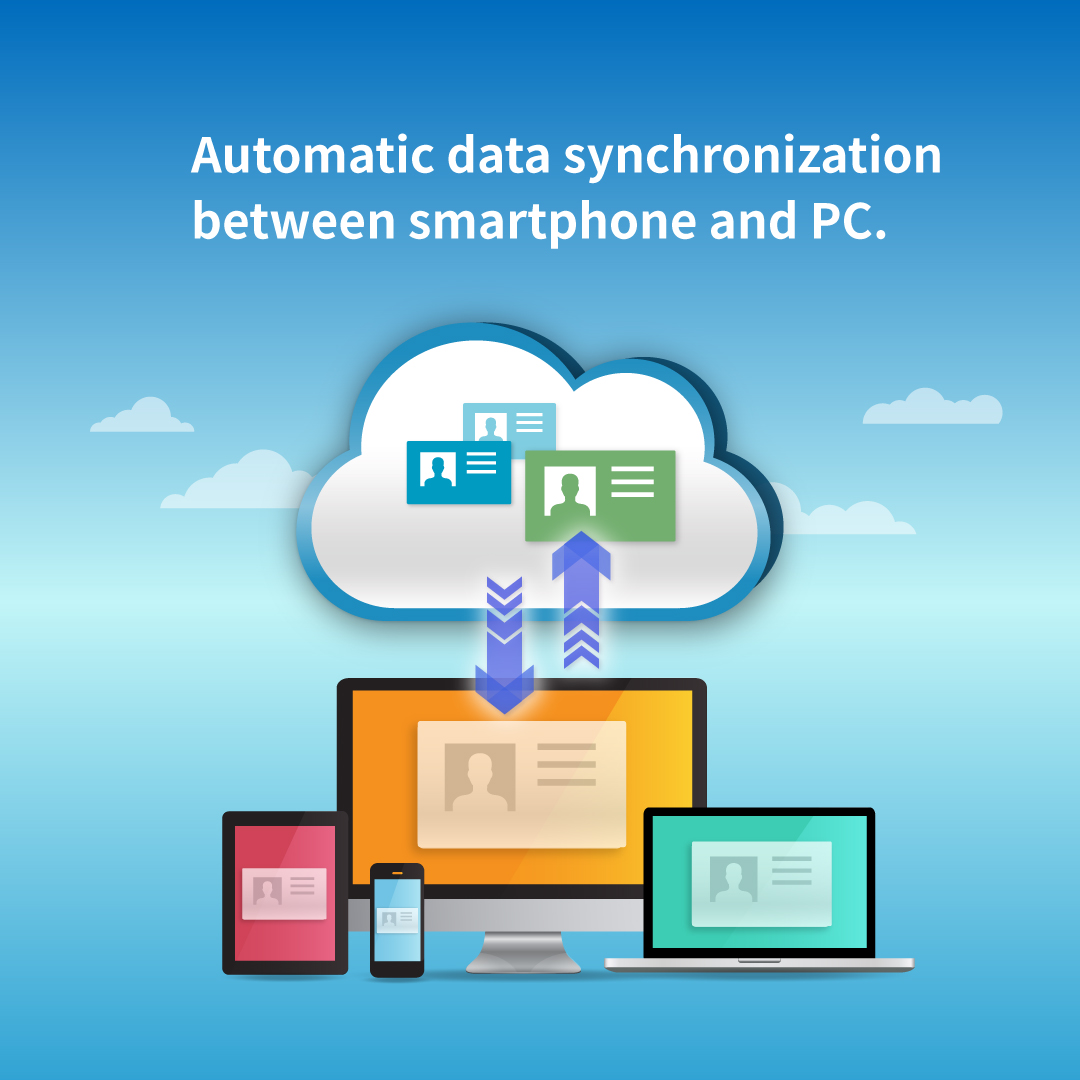
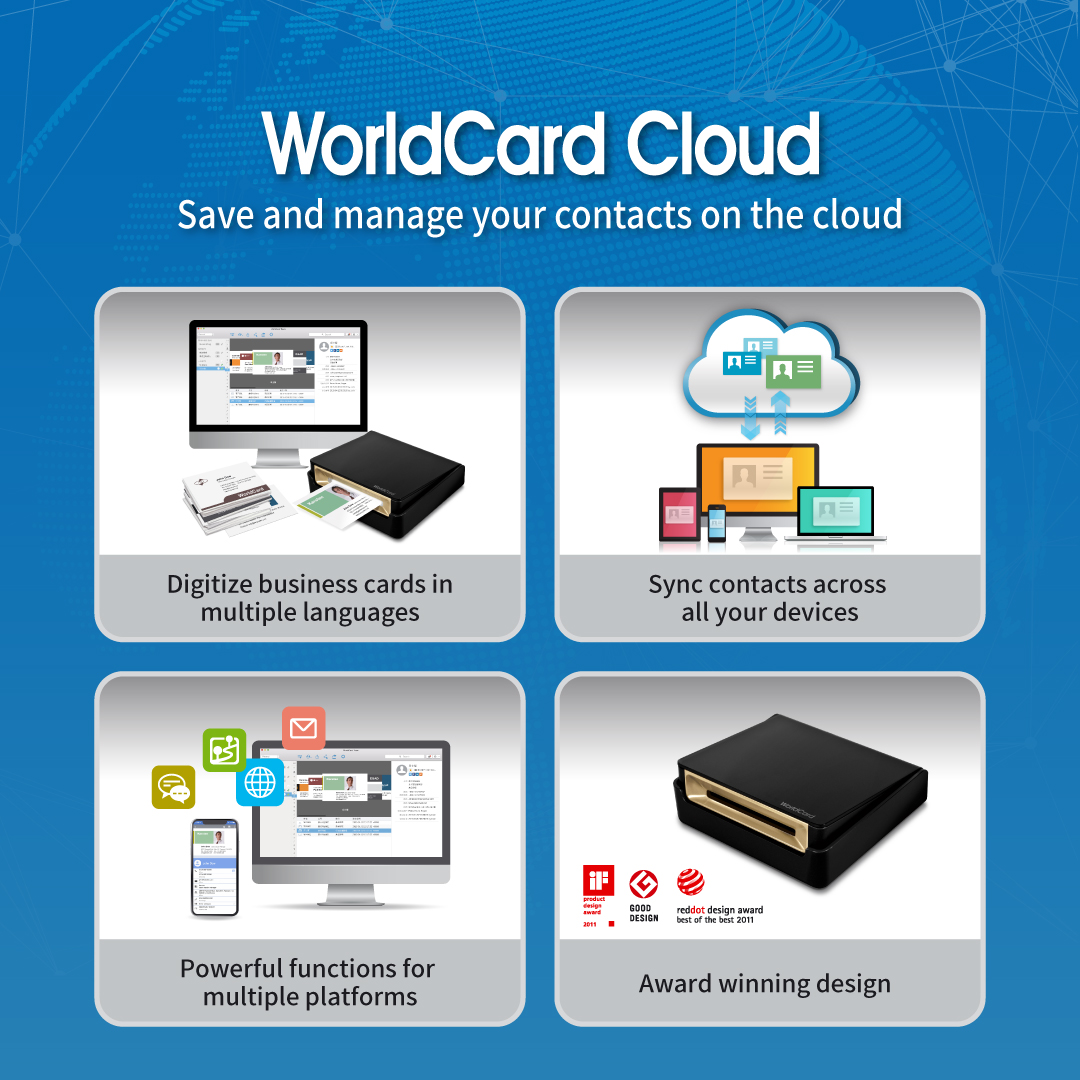
With the user-centered software and award-winning scanner, people can easily digitize paper business cards in 26 languages (included Turkish) via computers or mobile phones. The auto sync function ensures that users access the latest contact data on all devices anytime anywhere.
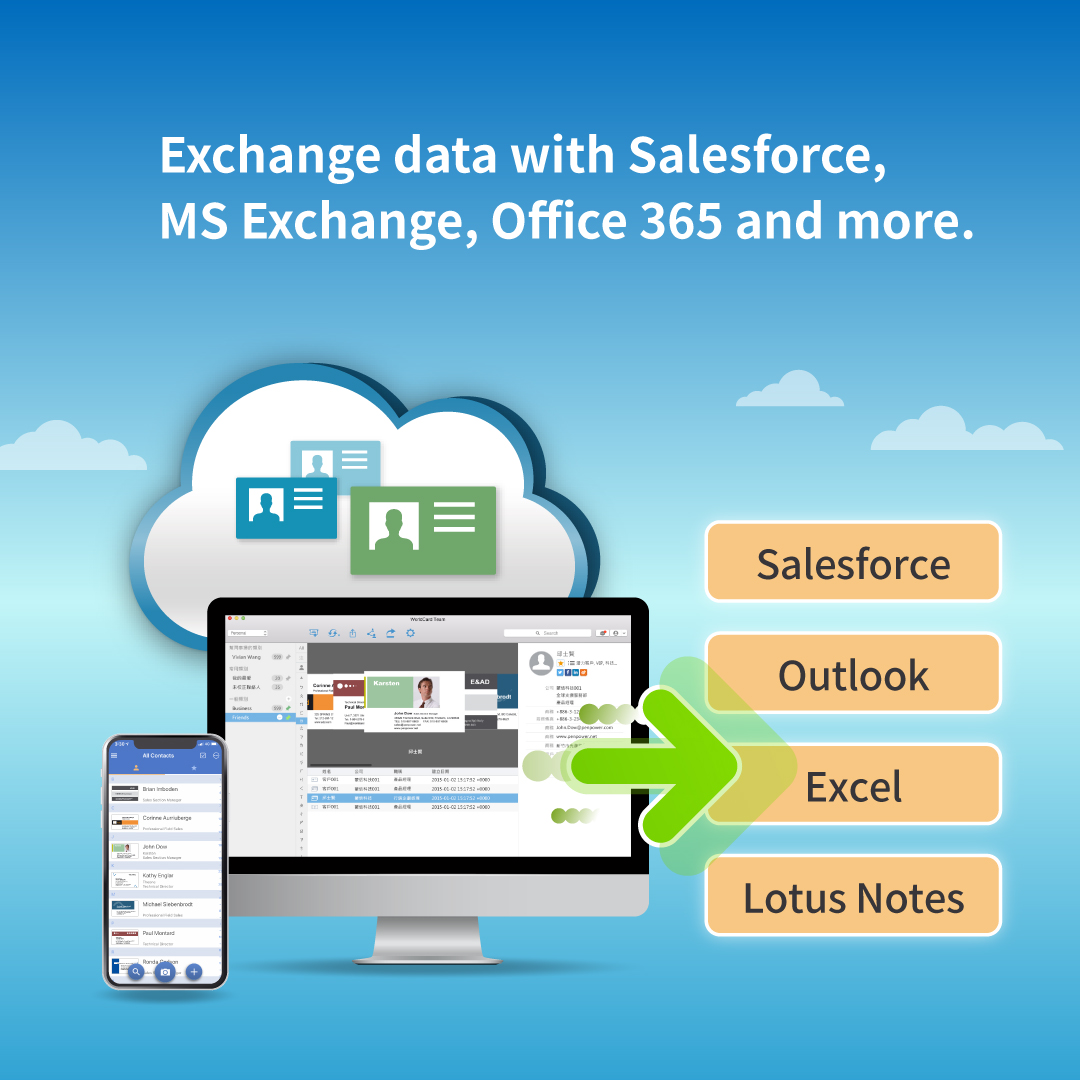
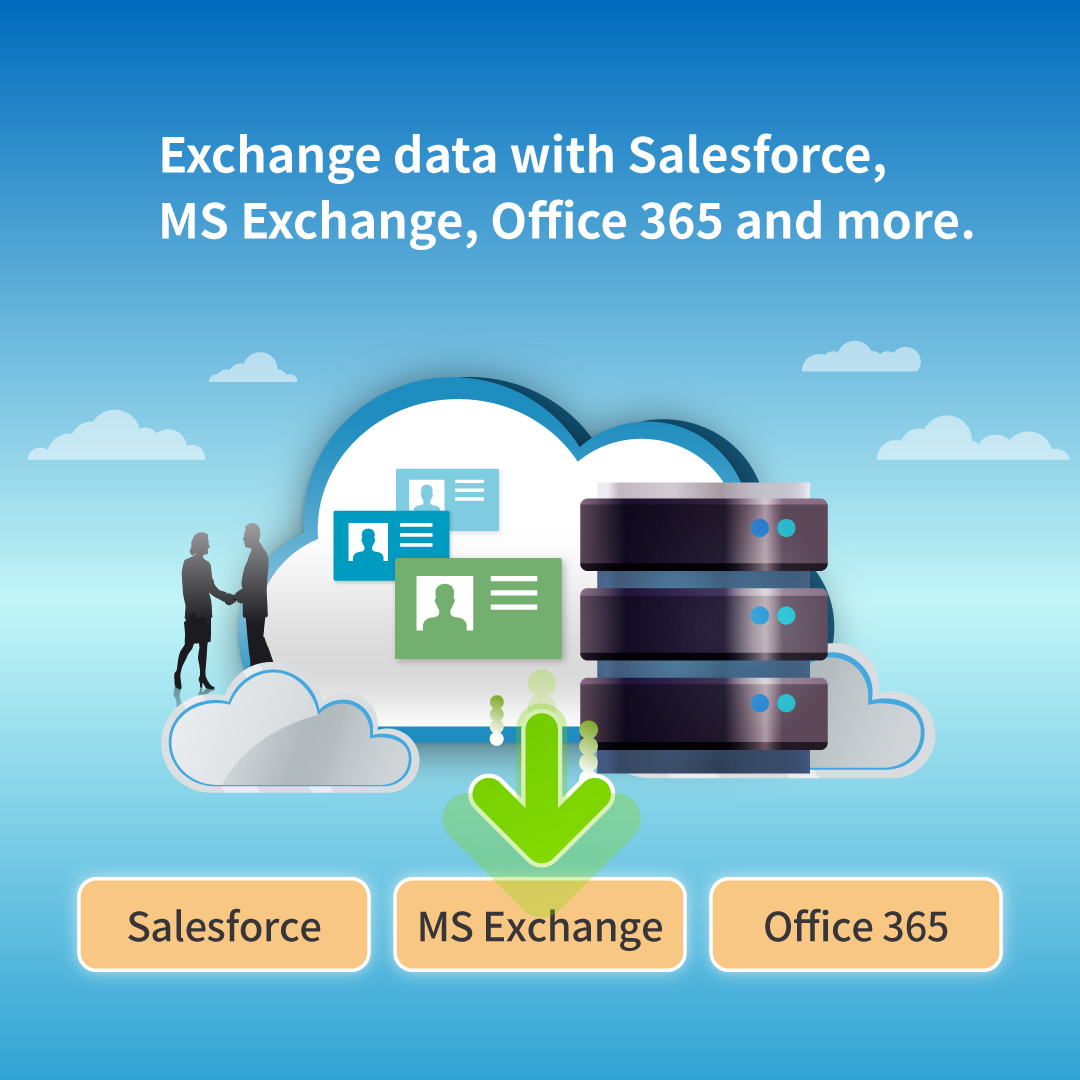
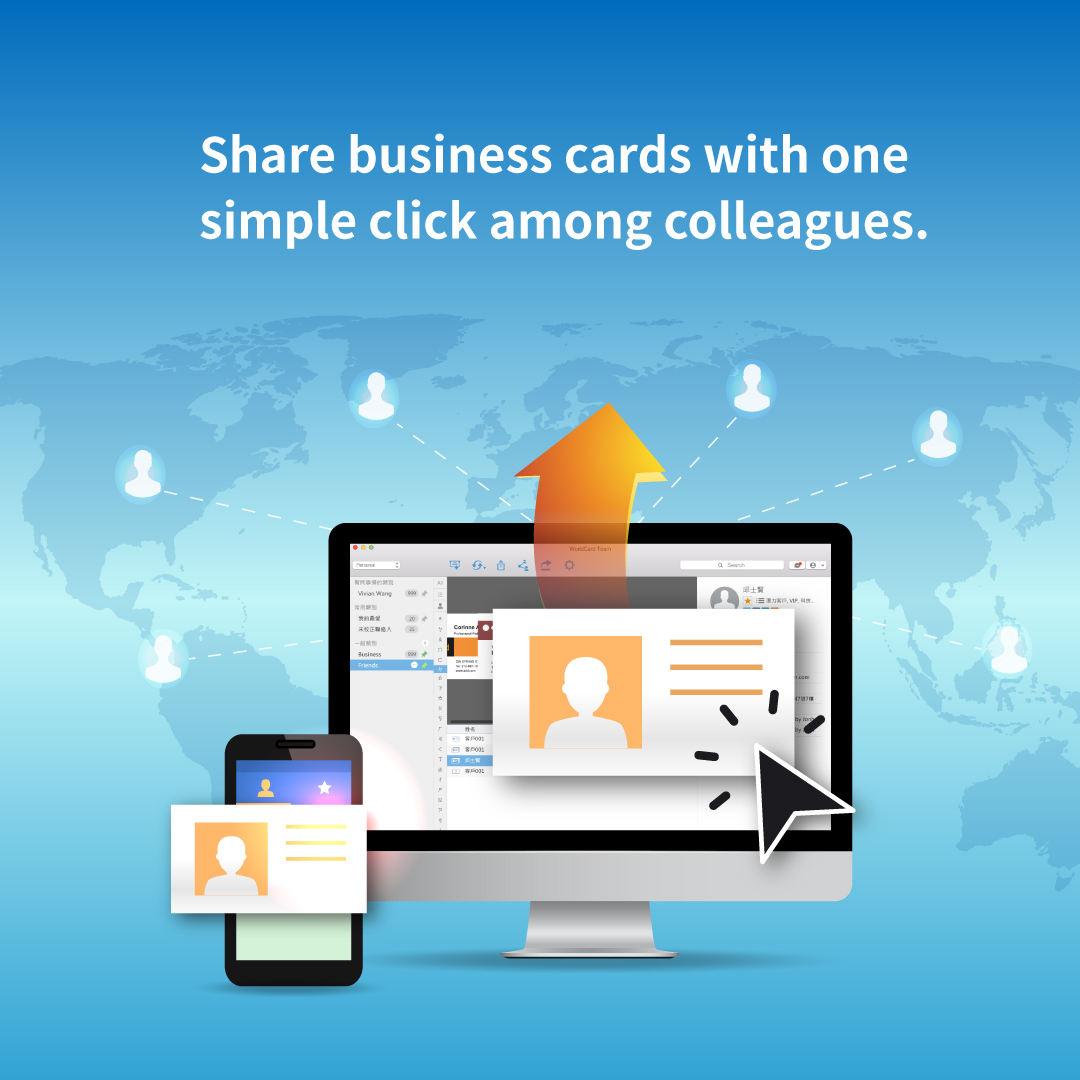
Easily integrate with Salesforce, or exchange contacts with software and mail server, such as Excel, Lotus Notes, ACT!, MS Exchange, and Office 365. You can also export contact data to vCard, CSV. Text, HTML, and image file format.
ACCESS CONTACTS ANYTIME, ANYWHERE:
With the app, you can sync and save all contact data with business card images on all your devices. It is easy to view and manage your contacts on iPhone, Android smartphone, Mac, Windows PCs and Web.
MULTIPLE QUICK FUNCTIONS:
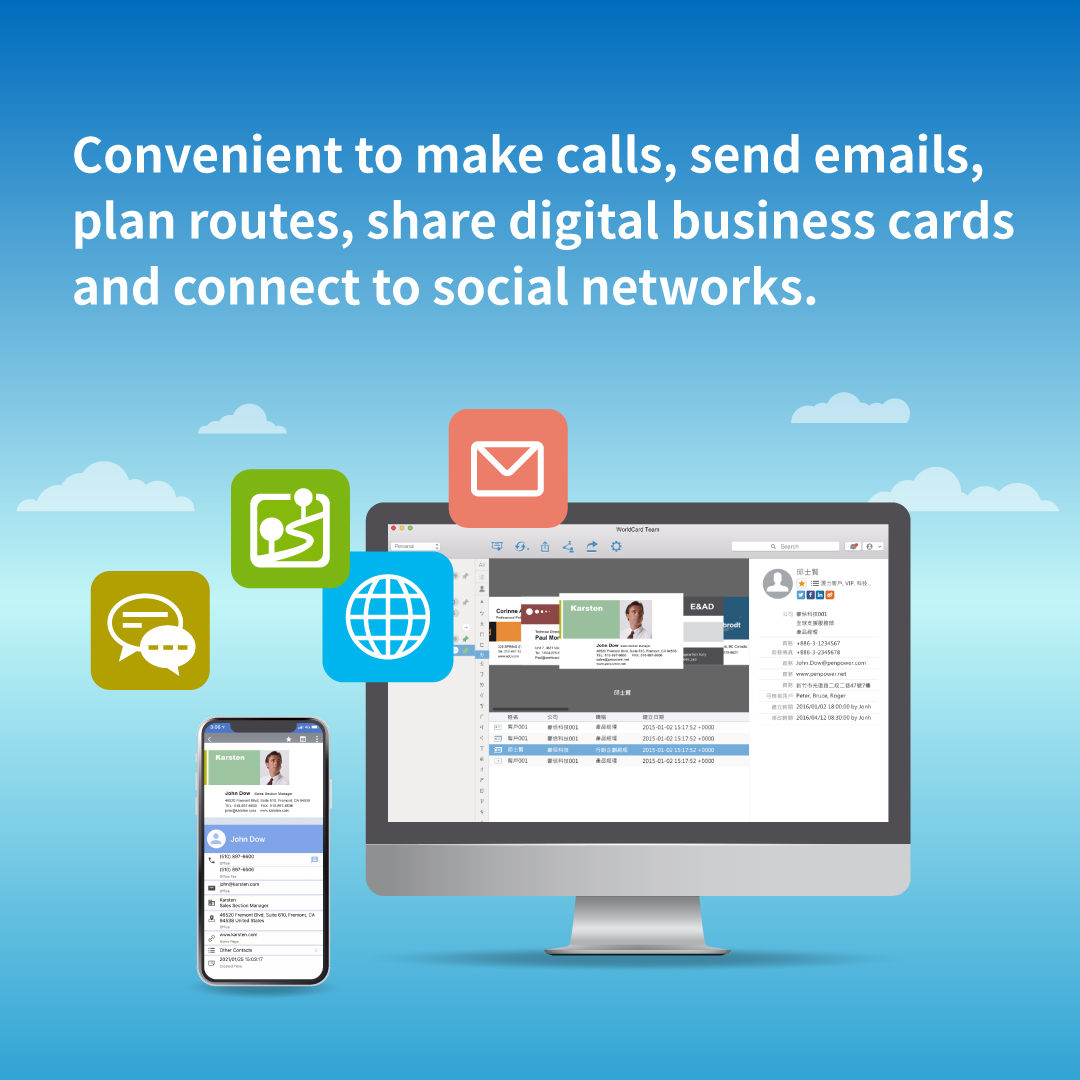
The WorldCard business card reader software / app provides various convenient functions, such as category management, key-words search, making calls, sending emails, planning routes and connecting to social media.
Use the WorldCard Cloud business card scanner / reader to:
DIGITIZE BUSINESS CARDS IN SECONDS –
Users can simply save contact information into smartphone and PC by scanning or capturing business card images. The optical character recognition technology (OCR) from PenPower ensures extremely high recognition rates for 26 languages, such as English, Japanese, Korean, French, German, Italian, Traditional and Simplified Chinese and Turkish etc.
- AWARD WINNING DESIGN: The tilting open mailbox entrance allows you to put in business cards easily and built-in USB cable is stored in the back of the scanner. It wins Red dot, iF, G-mark awards.
System and Box Contents:
- SYSTEM REQUIREMENTS
- Mac OS 10.12 and above
- Windows 7 and above
- iOS 10 and above
- Android 6 and above
- Web Browser
- Safari / Chrome / Firefox / QQ / Sogou / Edge / IE 11 and above
- Support Interface Languages
- English/ Traditional Chinese/ Simplified Chinese/ Japanese/ Korean
- HARDWARE SPECIFICATIONS
- In the Box
Activation Notice (1 User License/ 1 Year Subscription)
Business Card Scanner
- Hardware Specifications of Scanner
- Dimensions : 107 x 100 x 28 mm
- Weight : 310 g
Video:
Related products
-
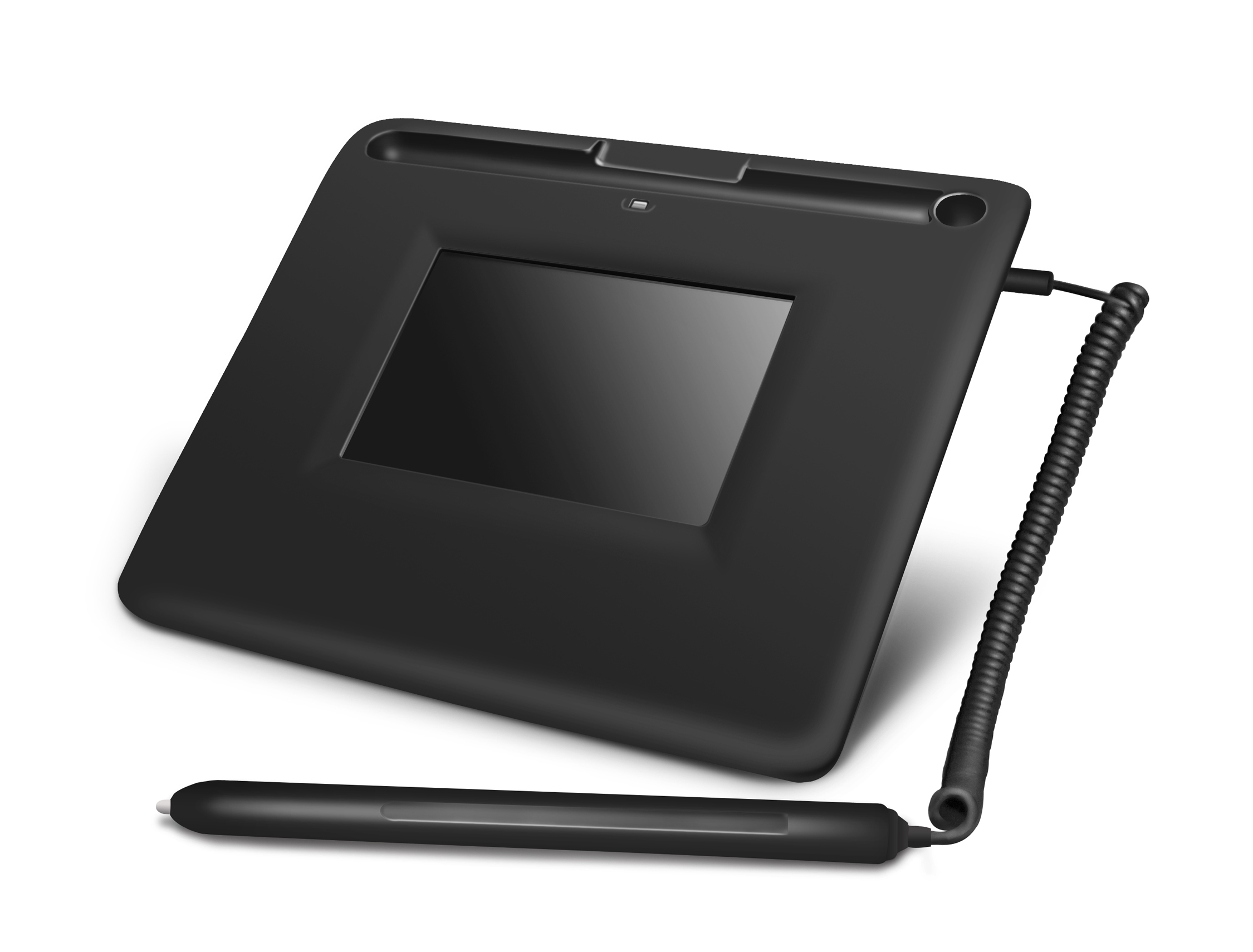
PenPower Write2Go Anywhere
Also functioning as an electronic signature pad, the PenPower Write2Go Anywhere is an intelligent memo writing pad made to increase productivity in business. It adopts LCD eWriter Technology, which makes your writing instantly appear while writing on the panel. You can sign on e-documents, take and save memos with your handwriting, or edit to-do list on a computer effectively.
-
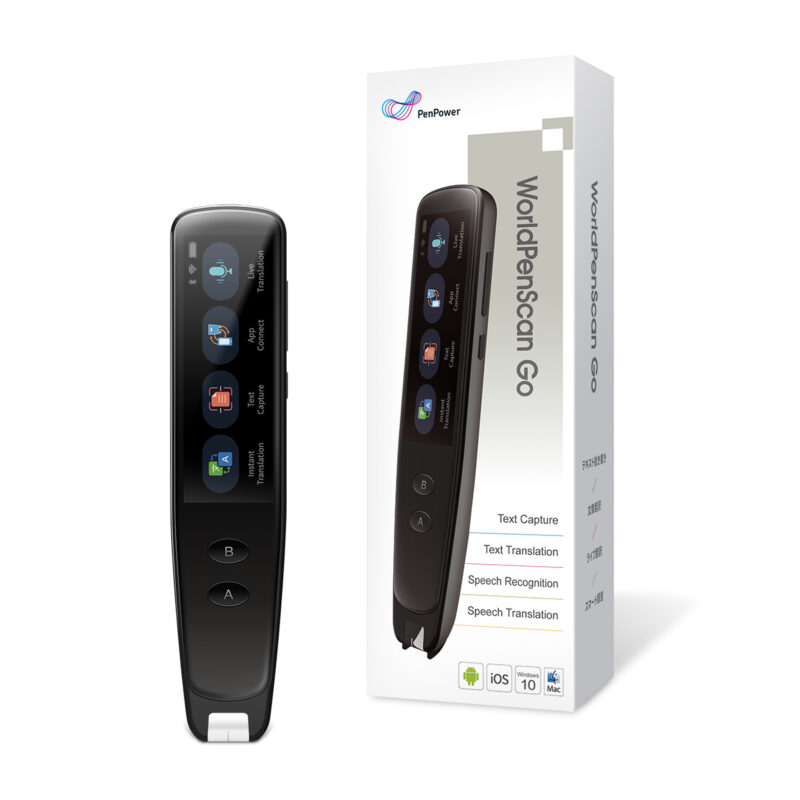
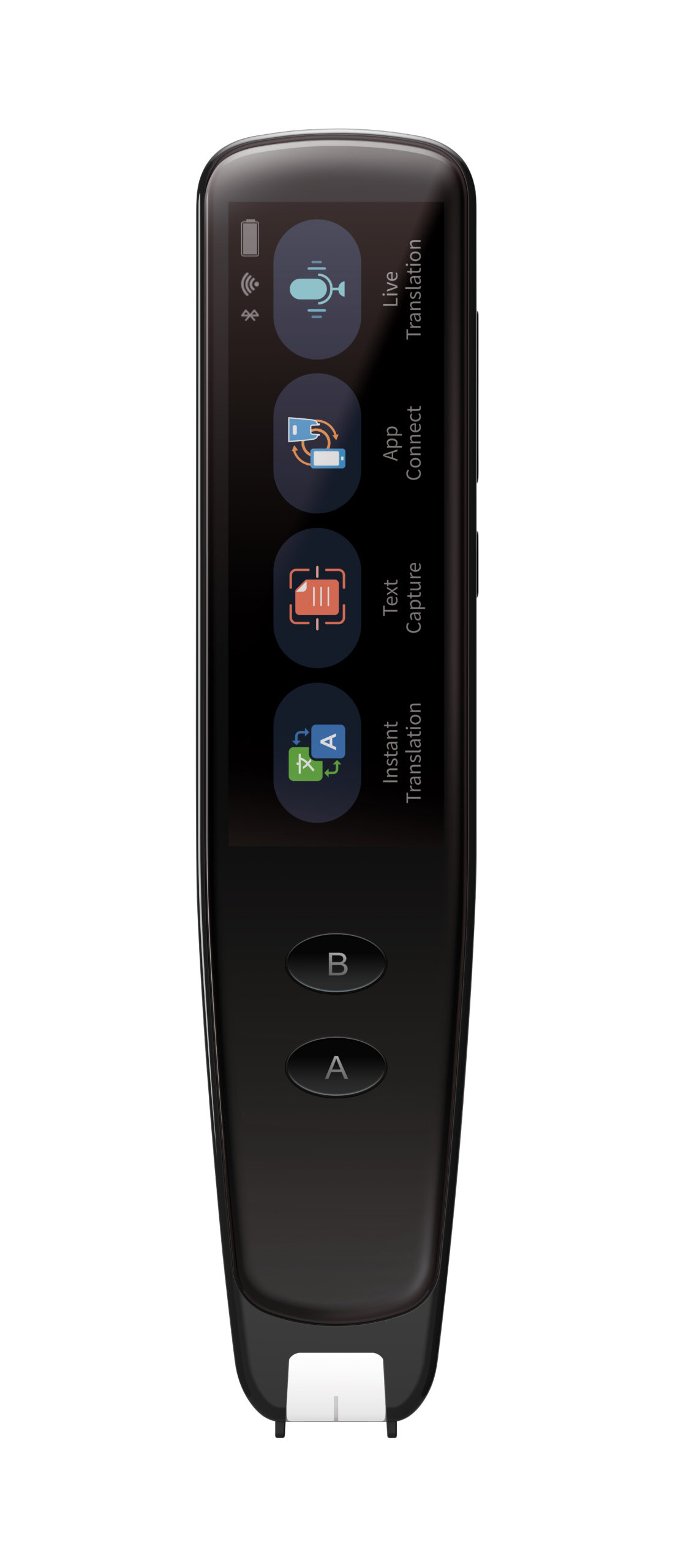
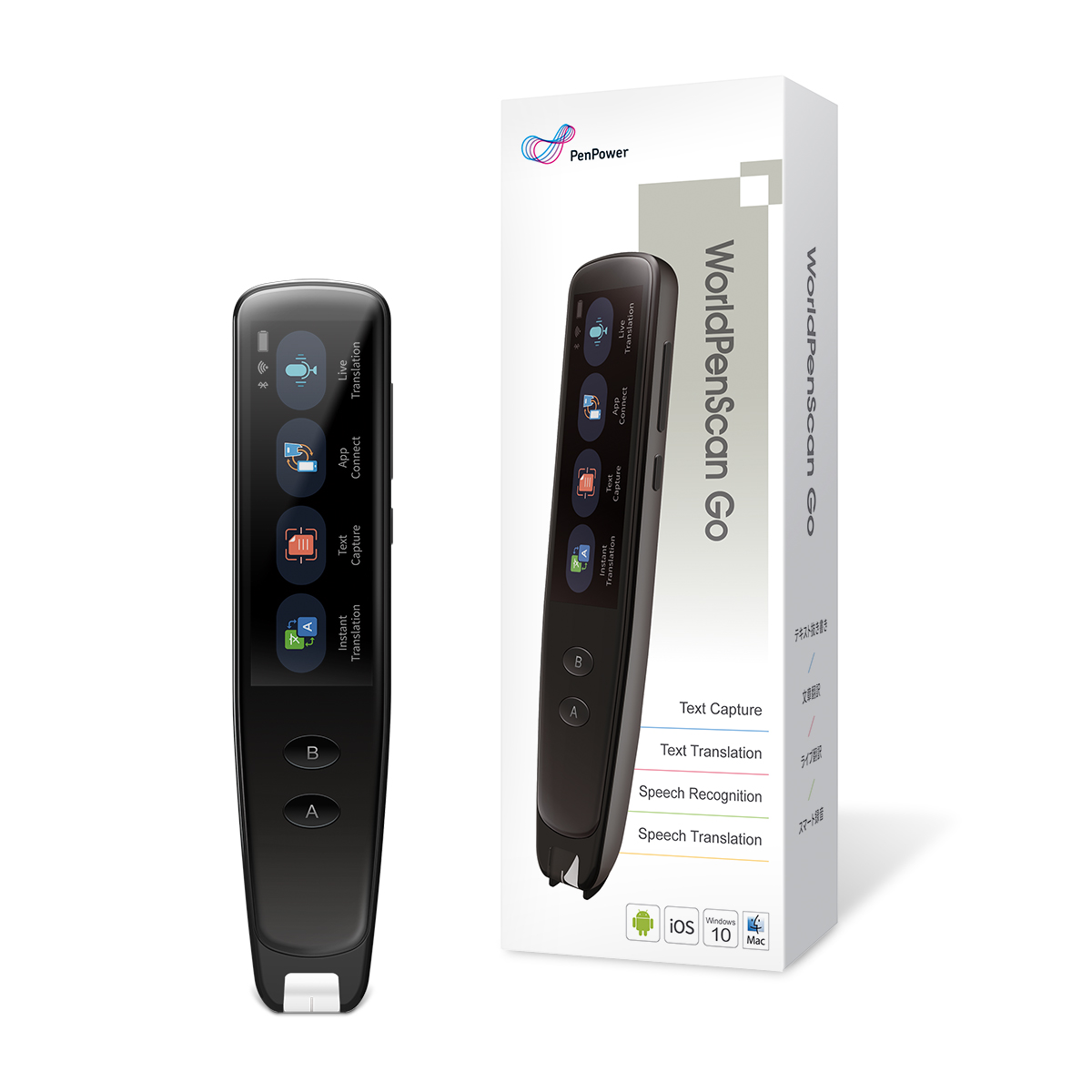
PenPower WorldPenScan Go
The PenPower WorldPenScan Go is our mobile data scanner (or pen scanner) that can be used to scan restaurant menus, air, subway and bus tickets while travelling in countries that do not communicate in English, and convert the scanned data / words / sentences into the language of your choice. It also supports 2-way conversations between two people who talk different languages and translates by text and voice in real time, like the Google Translator app but much better and the device is just a lot more versatile, easy to carry around and can connect with earphones, PC’s, Mac, tablets, iOS and Android devices for data transmission.
-
PenPower L398S Electronic Signature Pad
The PenPower LS398S is an enterprise version of our range of electronic signature pads.
This is our digital signature system, designed to simplify enterprise management.
- Create signed documents easily
- Unlimited signature across devices
- Secure encryption to protect the document
- Keep track of the signature process at any time