Avision FB5000
January 19, 2024
Avision IDA6
January 19, 2024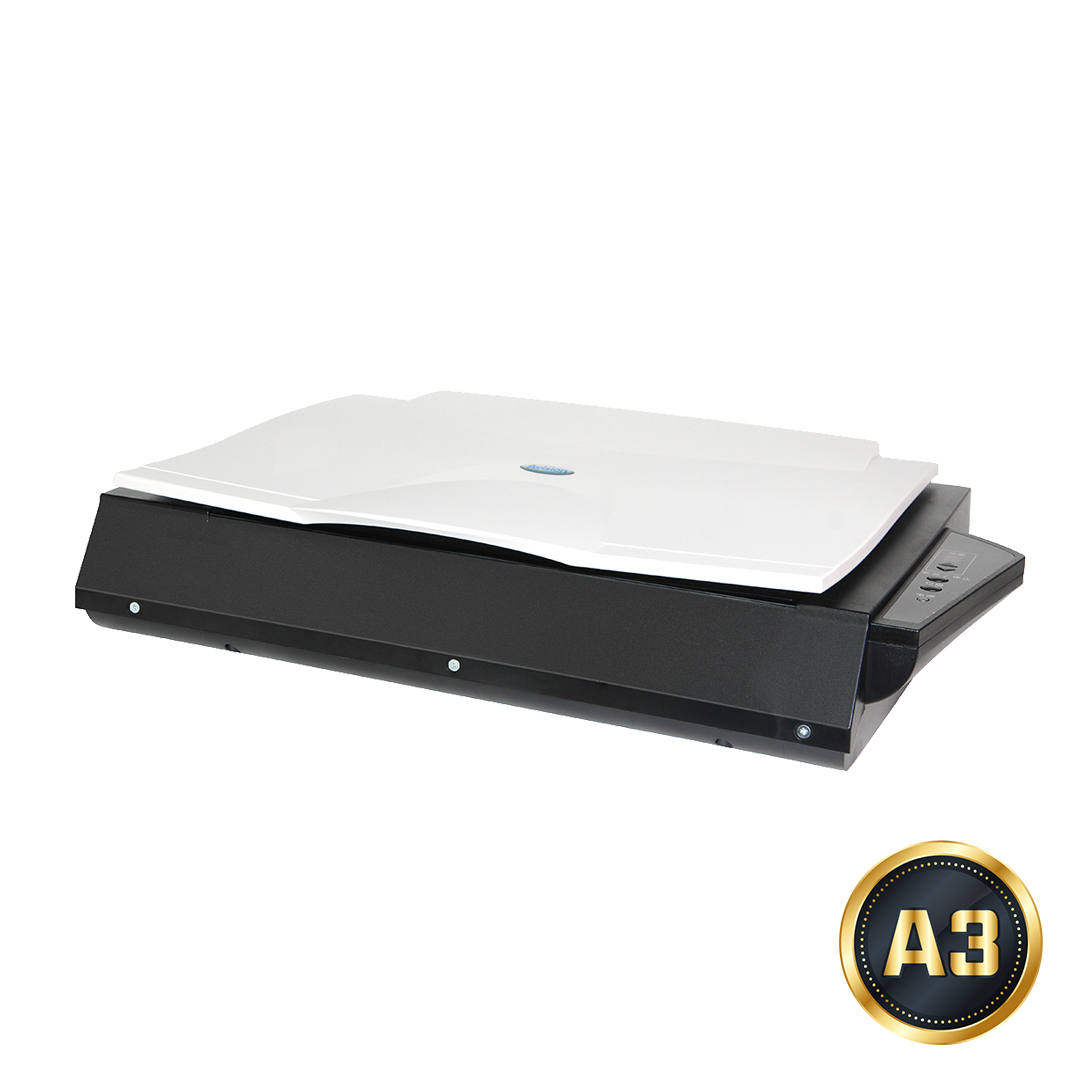
Avision FB6380E
- A3 Bookedge flatbed scanner
- Size – A3
- Type – Flatbed
- Speed – 4.5 Seconds
- Mac Driver – Yes
- Daily Duty Cycle – 2500 pages
- Availability and ETA – Refer to Price List
Your Perfect Choice for Book Scanning
Avision FB6380E A3 book scanner is your best tool to digitize books up to A3 size. With the FB6380E, you can digitize your books instantly and convert it to popular PDF file so you can easily read it in different tools and share it with your friends!
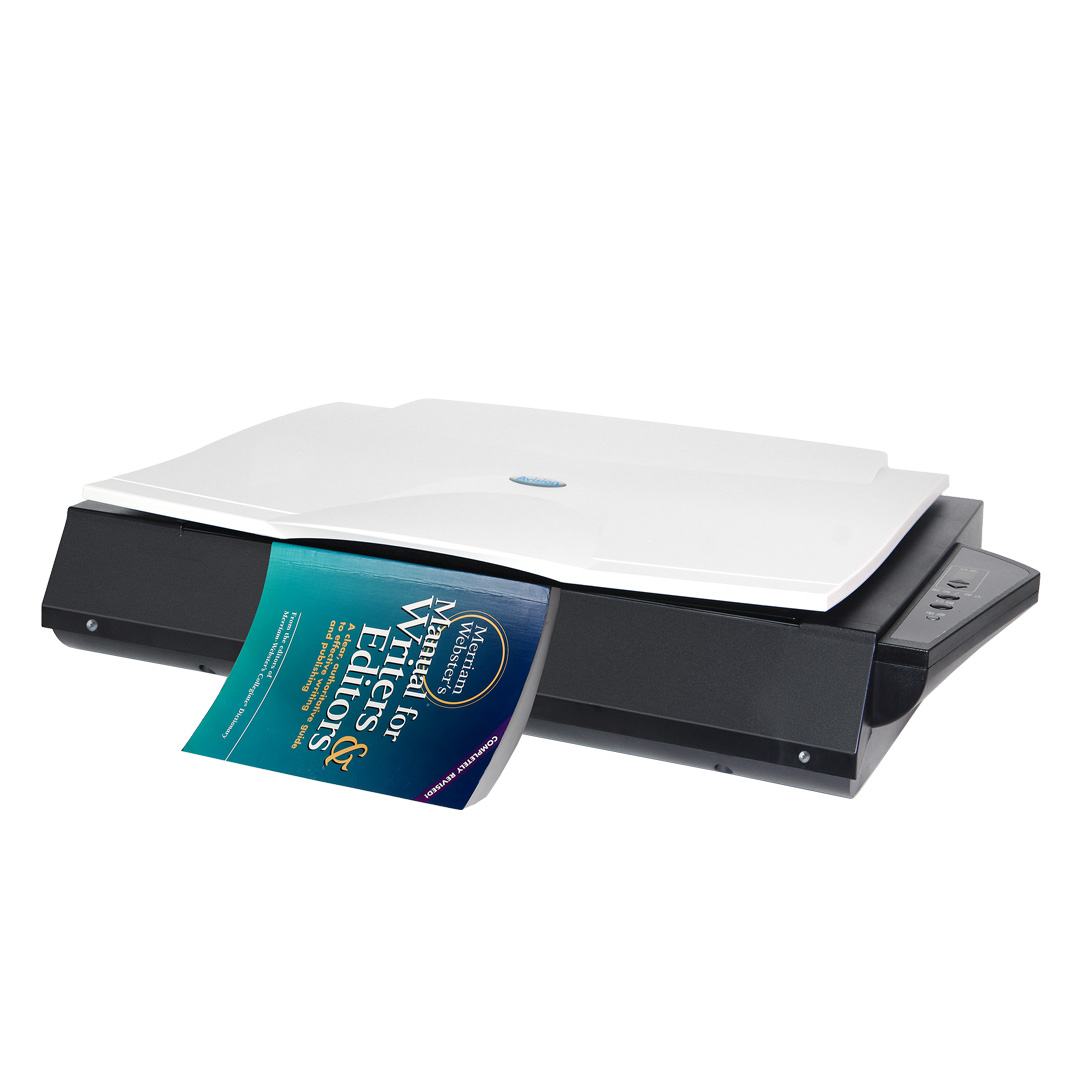
Avision’s book edge scanners feature a unique, innovative flatbed platform, with a slanted front edge engineered to accommodate books in a way that prevents the dark, shadowy area near the spine from appearing. Curved text often seen near the center is also eliminated, since this special design allows pages to spread flat on the scanner. Never again would you need to press the book against the scanner, which distorts the scanned image and potentially damages the book.
Packed with CCD sensors and a 600 dpi optical resolution, it can produce high quality color scans in 4.5 seconds at 300 dpi! The Avision FB6380E is the ideal choice for business professionals who frequently need to scan large-sized documents. These professionals include mechanical engineers or art designers who need to scan engineering or art drawings.
Product Details


The slant front platform makes book scan easy as a breeze
With the innovative and patented front platform, the Avision FB6380E allows you to easily scan books and deliver clear images within 2mm of the book spine. Shadow and text distortion commonly found on books scanned by traditional scanners are no longer existed.
Large scanning area up to A3 size (300 x 432mm, 11.8”x17”)
The FB6380E supports documents up to A3 sizes. Its core image processing components are CCD based with a 600 dpi optical resolution, enabling it to output picture perfect quality while meeting the most stringent demands of business professionals anywhere.
Automatic multiple images cropping
In addition, the scanner comes with the convenient feature of multiple images cropping. With this feature, various sizes of documents such as photos, ID Cards, or business cards can be placed on the flatbed and the scanner is able to crop and create multiple images according to the original sizes of the documents in one single scan.
Easy-to-use button scanning
With the bundled software “Button Manager”, you can create searchable pdf file directly after pressing the button on the scanner. Pages are automatically cropped and rotated to the correct orientation and then saved to your choice of file formats including PDF, TIFF, JPEG, GIF, BMP, or searchable PDF. The program also lets you pre-set nine customized functions or destination application such as e-mail, printer, or other photo editing software application for a variety of scanning tasks.
Auto crop, deskew and thresholding image-enhancing features
FB6380E incorporates the latest TWAIN driver with new features and enhancement such as the ability to adjust sensitivity of dynamic threshold, document/photo color matching, custom color dropout, automatic multiple cropping, and reduce despeckle. We are committed to improving the TWAIN driver continuously to enrich your scanning experience as never before.
Specification
| General Specification | |
| Technology | Charged-Coupled Device ( CCD ) |
|---|---|
| Light Source | LED |
| Document feeding mode | Flatbed |
| Optical Resolution (dpi) | 600 x 600 dpi |
| Output Resolution (dpi) | 1200 x 1200 dpi |
| File Formats | BMP, PNG, GIF, JPEG, Single-Page PDF, Multi-Page PDF, Multi-TIFF, TIFF, RTF, TXT, OCR( for iScan only ), XPS, DOC, XLS, PPT, DOCX, XLSX, PPTX, HTML |
| Halftone Patterns | Dither and Error Diffusion |
| Grayscale mode | 16-bit input 8-bit output |
| Color mode | 48-bit input 24-bit output |
| Dimensions (WxDxH) | 645 x 428 x 135 mm ( 25.4 x 16.9 x 5.3 in. ) |
| Weight | 7.6 kg ( 16.8 lb. ) |
| Interface | USB3.2 Gen1x1 |
| Power Consumption | Operation:<30W ; Stanby:<10W ; Power saving:<2.9W |
| Recommended Daily Volume | Up to 5,000 pages |
| OS Support | Win 7, Win 8, Win 10, Win11 |
| Bundled Software | TWAIN Driver, ISIS Driver, Button Manager, PaperPort, AVScan |
| Scan Size | |
| Flatbed Maximum | 300 x 432 mm ( 11.8 x 17 in ) |
| Scanning Speed | |
| B/W @ 200dpi, A3 | 4 sec. (Include Backhome 5 sec.) |
| B/W @ 300dpi, A3 | 4 sec. (Include Backhome 5 sec.) |
| Color @ 200dpi, A3 | 4 sec. (Include Backhome 5 sec.) |
| Color @ 300dpi, A3 | 4 sec. (Include Backhome 5 sec.) |
* The above specifications may vary due to computer performance and sales regions. For further details, please consult your local distributor.
Related products
-
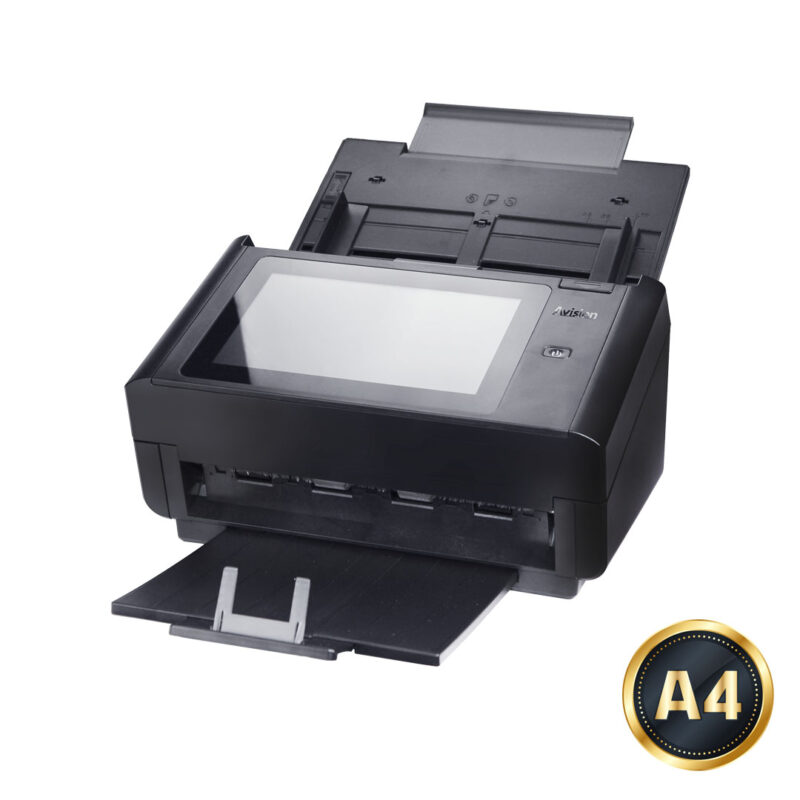
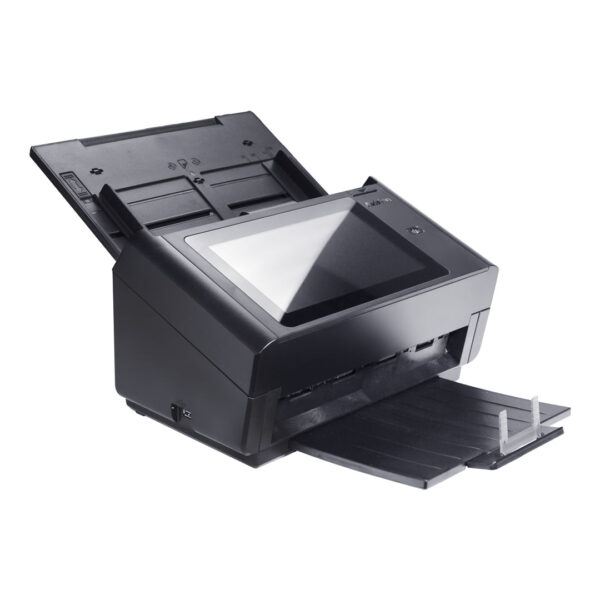
Avision AN360W
- Network ScanStation ADF
- Size – A4
- Duplex – Yes
- Speed – 60ppm / 120ipm
- Mac Driver – Yes
- Daily Duty Cycle – 6000 pages
- Availability and ETA – Refer to the price list.
-
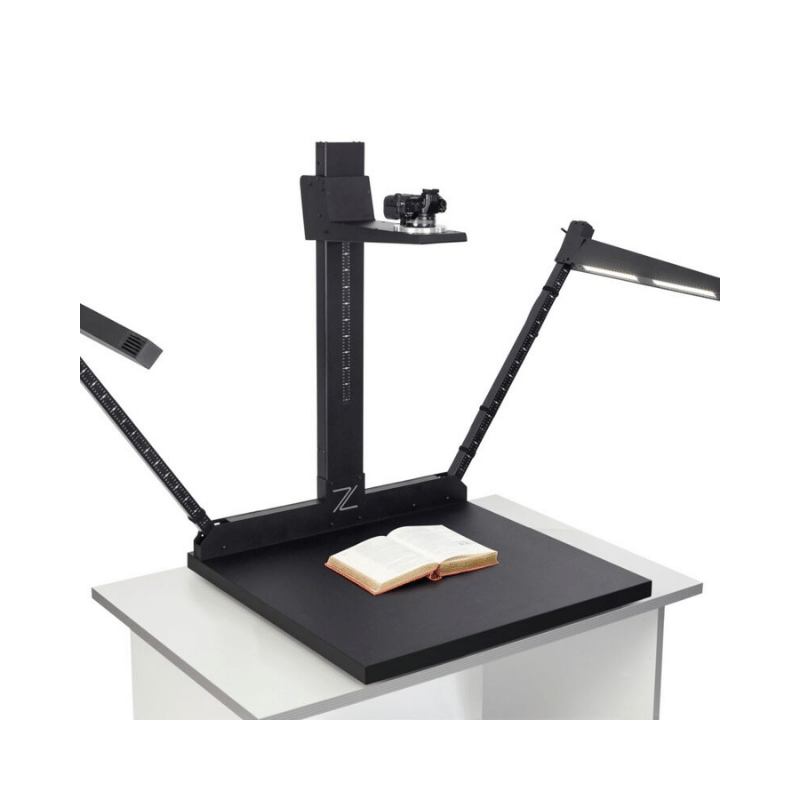
Zeutschel OS A1 Archive Scanner
- The Zeutschel OS A1 Scanner: Image capture with selected digital cameras of the semi-professional and professional class. Digitizes heterogeneous collections in a consistently high image quality with maximum productivity and flexibility.
- Format: A1
-
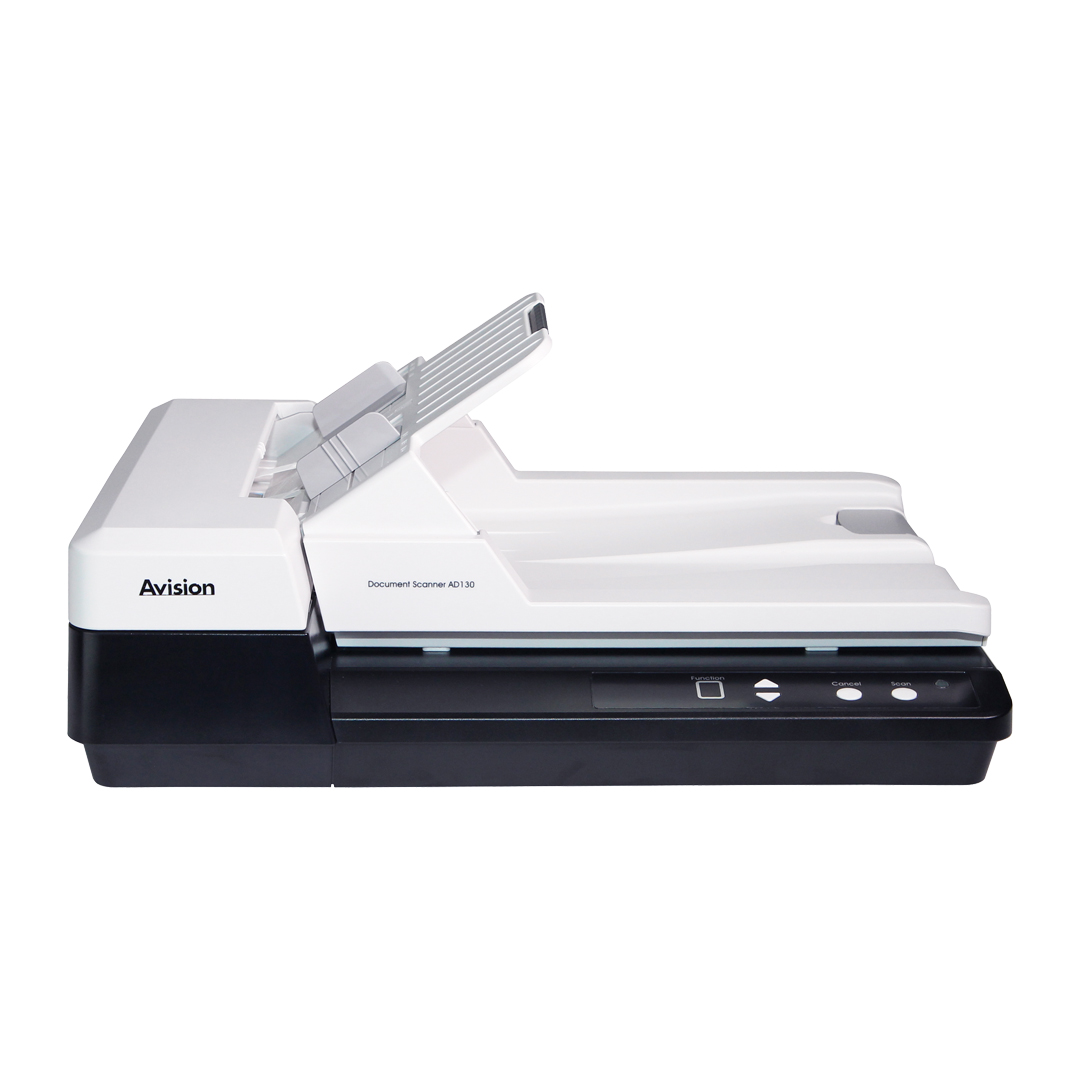
Avision AD130 Combination Scanner
- A4 50 Sheet ADF scanner
- Flatbed scanner
- Size – A4
- Duplex – Yes
- Speed – 30ppm / 60ipm
- Mac Driver – Yes
- Daily Duty Cycle – 4000 pages
- Availability and ETA – Refer to price list.